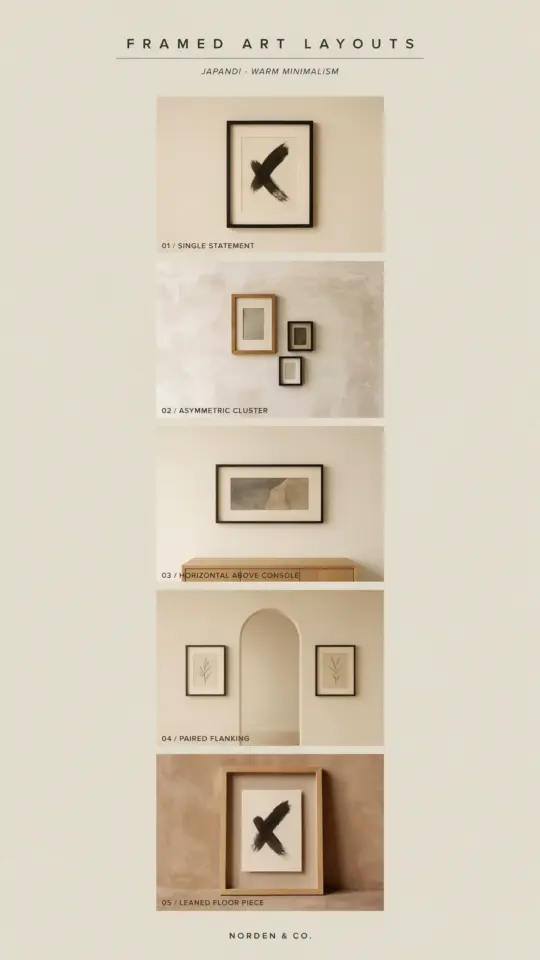
Planning a Galentine's Day party doesn't have to cost a lot. One of my favorite ways to keep the celebration both affordable and memorable is with a Galentine's Day photo booth template set that doubles as decor. This custom matting design works perfectly for a gallery wall, so your photos become part of the party atmosphere instead of an afterthought. Best of all, it's an editable Canva digital download, meaning you can tweak colors, text, and layout without any design skills or expensive software. Whether you're hosting a brunch or a small hangout, this template helps you capture candid moments with your besties while sticking to a realistic budget.
Why a Photo Booth Template Set is a Smart Galentine's Day Idea
A photo booth is traditional for parties, but renting a real one or buying a physical backdrop kit adds up fast. A digital template set costs a fraction of those options. You just download, edit, and print at home or at a local shop. This approach gives you complete control over the final look. You can match it to your decor or your friends' favorite colors. Plus, because it's digital, you can reuse the template for other events like birthday parties or bridal showers later on. That's real value for your money.
How Custom Matting Turns Photos Into Gallery Wall Art
Custom matting makes a huge difference in how a simple print looks. Instead of a bare snapshot, the matting frames the photo and draws attention to the fun expressions and silly poses. When you have three frames with matching matting, you can hang them together as a cohesive gallery wall set. This transforms your Galentine's photos from disposable party favors into lasting wall decor. Even if you only have a small space above a couch or in a hallway, a trio of matching prints creates a polished, intentional display that feels curated, not cluttered.
Editable Canva Templates: The Budget-Friendly Way to Personalize
Canva is a free tool, and its editable templates make personalization incredibly straightforward. You don't need to know graphic design. The template already contains the layout, so you just swap in your own text, change the background shade, or add your names. To save even more time, use Canva's preloaded fonts and color palettes. Here are a few quick tips for editing yours:
- Change the overlay color to match your party theme (pinks, reds, or metallics work well).
- Add a short phrase like "Besties Forever" or the year and place.
- Resize the matting window if you prefer a larger or smaller photo area.
- Download as a high-resolution PDF for crisp printing.
This flexibility means each friend gets a unique take without extra design fees. You only pay once for the template, then use it for everyone.
Three Frame Styles Perfect for Your Besties
This template set includes three distinct frame styles, each designed with custom matting proportions. The first frame is a classic square, ideal for a group shot with everyone gathered close. The second frame is a vertical portrait orientation, great for individual close-ups or couples (if your Galentine's group includes partners). The third is a landscape rectangle, which works well for fun action shots or silly faces across the table. Together, these three shapes give you variety while keeping the matting consistent. You can arrange them on your gallery wall in a line, a staggered grid, or a cluster over a mantel.
Tips for Printing and Displaying Your Photo Booth Prints
Printing at home saves money, but you need the right paper. Use matte photo paper or cardstock for a professional finish. If you want a true gallery wall look, consider printing at a local copy center or online lab. They often offer budget-friendly options like 4×6 or 5×7 sizes. For the matting effect, you have two choices: either print the template with the matting built in (the white border and inner cutout) or print the photo separately and frame it with real mat board. The template's custom matting simulation works well on its own, especially if you use a white border and a slightly smaller photo insert. Hang them with simple command strips or affordable clip frames to keep costs low.
Making It a Thoughtful Engagement Gift or Favor
This template doubles as a gift for your besties. If one of your friends just got engaged, print a framed version with a photo of the two of you from the party. Write a short note on the back or include a mini print in a card. It's a personal favor that doesn't require spending on trinkets nobody keeps. For party favors, print a small version of each frame and hand them out in a simple envelope with a thank you note. Your friends will appreciate something handmade and meaningful. Plus, because the files are digital, you can send the editable link to anyone who wants to make their own copy later.#GalentinesDay #PhotoBoothTemplate #CustomMatting #EditableCanva #GalleryWallArt
Leave a Comment